Hot weather can put extra pressure on an LED display and its cooling arrangements. Learn what to check, which warning signs to record, and when to call for service.
Start with the Installed System and Its Limits
When hot weather arrives, it is worth checking the conditions around your LED screen before a problem interrupts normal use. There is no single safe temperature or cooling setup for every display. Start with the limits and maintenance instructions for the exact screen, power equipment, and installation you have.
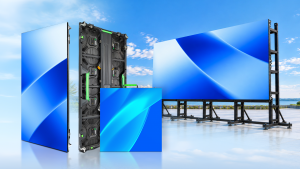
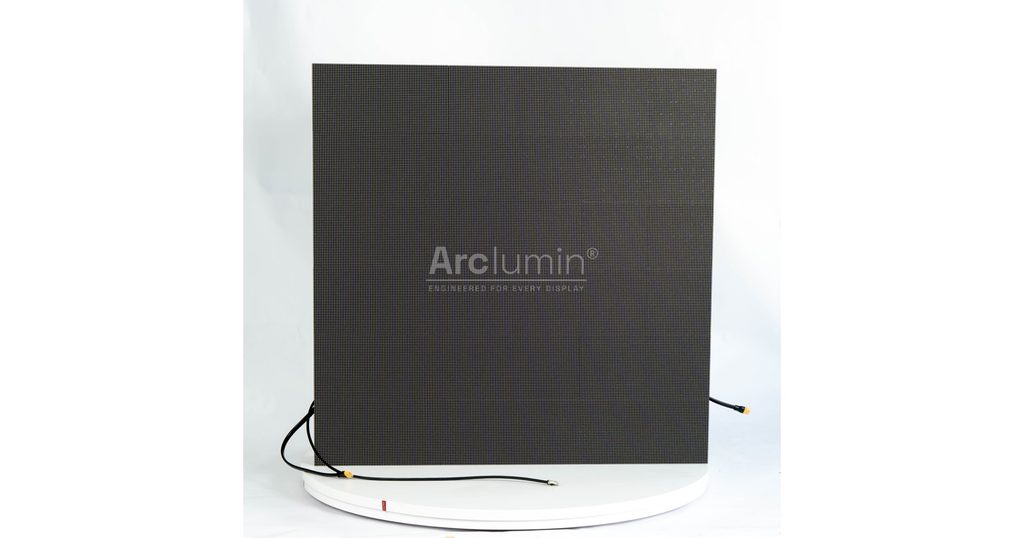
Arclumin SF320M outdoor LED cabinet.
Inspect the Conditions Around the Display
Look at the actual installation, not only the local weather forecast. Direct sun, nearby heat sources, enclosed spaces, and recirculated warm air can create conditions different from the reported outdoor temperature. Indoor screens also need attention when building cooling schedules change or ventilation is restricted.
Record where the approved temperature measurements or monitoring readings should be taken. A value from one convenient location may not represent the area around a power supply or the upper part of an enclosure. Use the product and installation guidance to decide which readings matter and how they should be interpreted.
For an outdoor fixed configuration such as SF Sun Flare, confirm the requirements for the delivered model and its supporting installation.
Keep the Designed Airflow Paths Clear
Check that the intended air inlets, outlets, and service clearances have not been blocked by decorations, stored materials, new building work, or added covers. Warm exhaust should not simply be trapped and returned to the equipment. Any enclosure or facade change needs review against the original cooling arrangement.
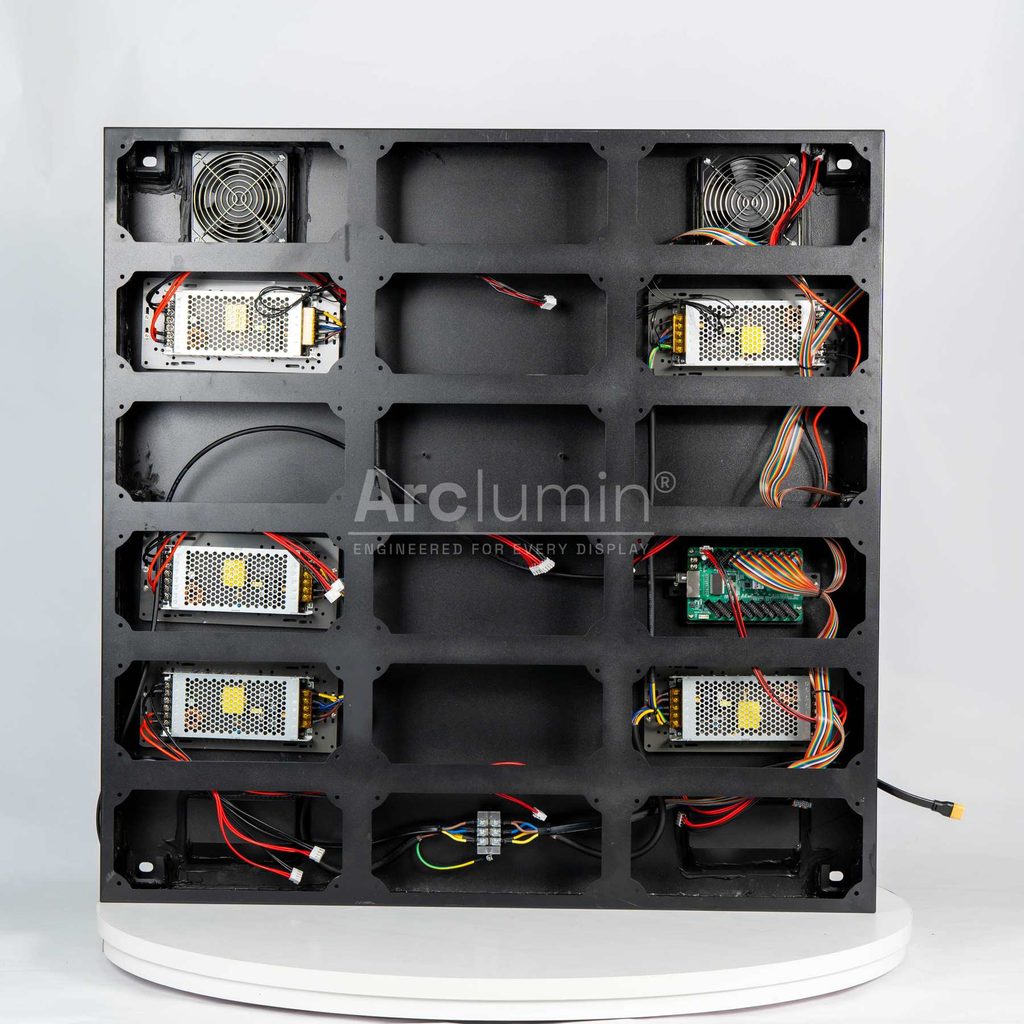
Where fans, filters, or other cooling components are fitted, have them inspected and maintained according to the equipment instructions. Not every cabinet uses the same cooling method, so do not assume every screen needs additional fans. A failed fan, obstructed filter, or unsuitable enclosure needs a specific remedy rather than a generic increase in brightness or operating time.
Do not leave service doors open as an improvised permanent cooling measure. That can change protection, access, and airflow conditions in ways the design did not allow. Ask the responsible technical team to correct the actual thermal problem while maintaining the installation’s required protection.
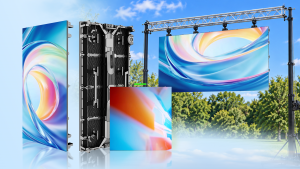
Rear of an Arclumin SF320M cabinet.
Clean with the Approved Method
Dust and debris around cooling components can affect their operation, but cleaning must suit the product. Arrange the required power isolation and safe access before maintenance. Use the specified tools and cleaning method; an LED face, filter, electronic board, and enclosure may each need different treatment.
Avoid pressure washing, soaking the display, or blowing debris into sensitive areas unless the manufacturer explicitly provides an appropriate procedure. An outdoor protection rating is not a general authorisation for every cleaning method. Do not spray water onto a hot screen to cool it down.
Choose inspection and cleaning intervals from the environment and the product guidance. A dusty roadside installation may need a different plan from a clean indoor room. Record what was found and adjust the maintenance plan with the service team rather than inventing one interval for every customer.
Check Cooling Equipment and Electrical Warning Signs
If the installation uses air conditioning or other environmental controls, include them in the maintenance scope. Check the relevant operating settings and service status through the responsible specialist. A functioning building air conditioner does not automatically confirm that airflow reaches every equipment space that needs it.
Report unusual fan noise, repeated thermal alarms, unexpected shutdowns, abnormal odours, or visible damage promptly. These observations are reasons for investigation, not a diagnosis of one particular failed part. Do not repeatedly restart equipment after an unexplained protective shutdown or bypass a protective function to keep content running.
Internal electrical inspection and measurements should be carried out by the responsible qualified personnel. Operators can record the time, displayed content, ambient conditions, and alarm information without opening equipment. If a condition requires stopping operation under the site’s procedure, follow that procedure and obtain service support.
Review Brightness and the Actual Operating Schedule
Use the brightness settings approved for the site and the changing light conditions. Running unnecessarily bright can waste energy and make night-time viewing uncomfortable, but reducing brightness is not a substitute for repairing a failed cooling system. Any temporary operating change should remain within the manufacturer’s guidance and the responsible team’s instructions.
Check that schedules, sensors, or manual controls behave as intended. A seasonal change to daylight hours or surrounding lighting may justify reviewing the normal settings. Keep a record of the approved adjustments so that a later operator does not restore an unsuitable old preset.
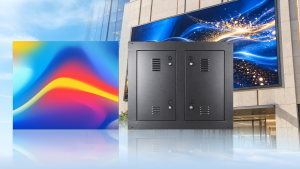
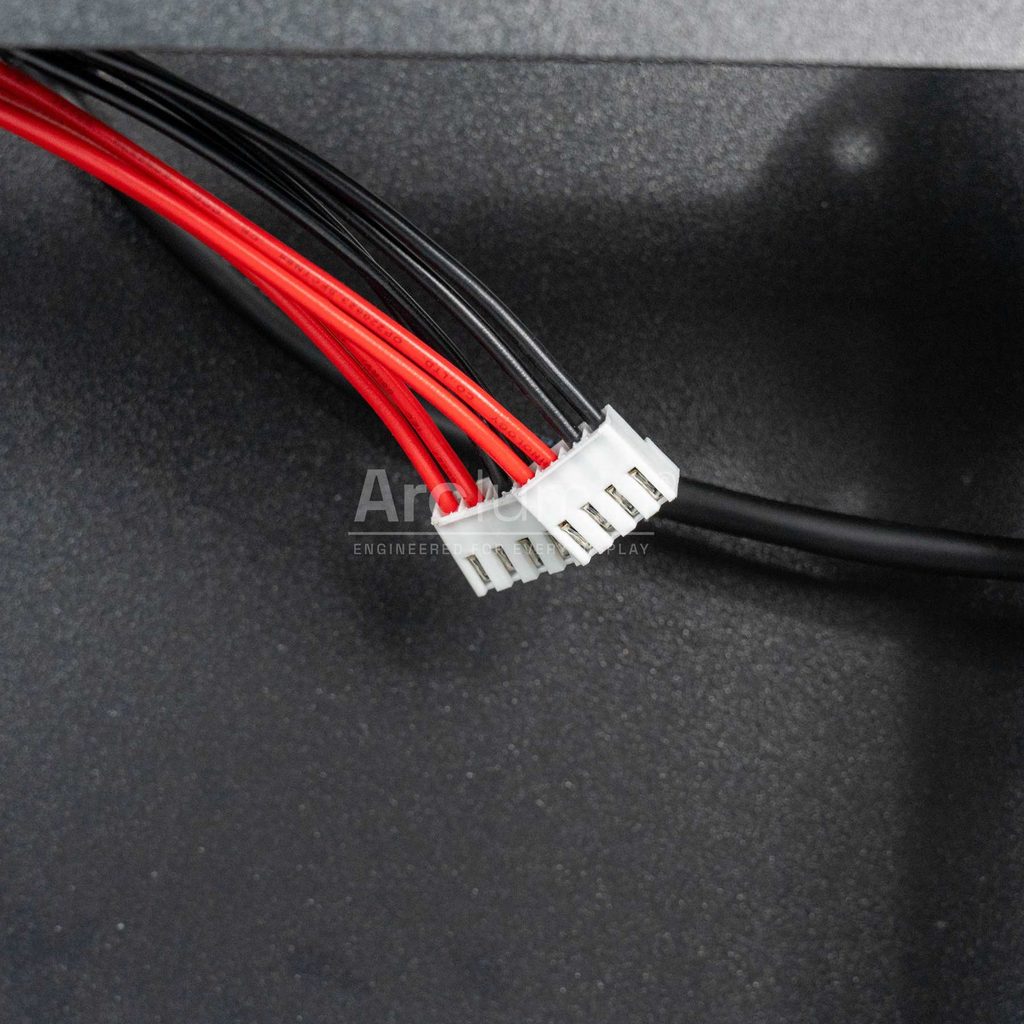
LED cabinet cable connector.
Verify Repairs and Keep a Seasonal Record
After maintenance, restore the installation to its intended closed and protected condition, then complete the approved functional checks. Observe the relevant monitoring readings and display behaviour under representative operation. A brief successful start does not by itself establish that a previous overheating problem has been resolved.
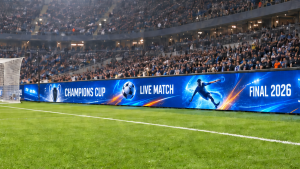
For outdoor advertising and DOOH installations, include access arrangements and the surrounding site in the seasonal review. Record cleaning, cooling service, alarms, repairs, and any remaining actions together. This makes repeated problems easier to recognise and gives the service team a better basis for improving the plan.
For project inquiries, please contact your dedicated Arclumin Sales Consultant. Our team operates across time zones to support projects in Europe, North America, Africa, Australia, and markets worldwide.
WhatsApp +86 136 8235 1211 · 7×24 — we reply within 24 hours.

 SG Steady GlowIndoor Fixed LEDP1.25 – P4
 PL Pure LightIndoor Fixed LEDP1.25 – P1.86COB Fine Pitch LED→
 OG Obsidian GlowCOB Fine Pitch LEDP0.7 – P1.86View all product series →Not sure which series fits your project? Get a Recommendation →