How to Choose the Right LED Display for Your Conference Room
Published 2026-07-28 · Updated 2026-09-10 · By Arclumin Team
Your room size, viewing distance and budget decide the right LED display. This guide shows how to match pitch, size and control to your conference room.
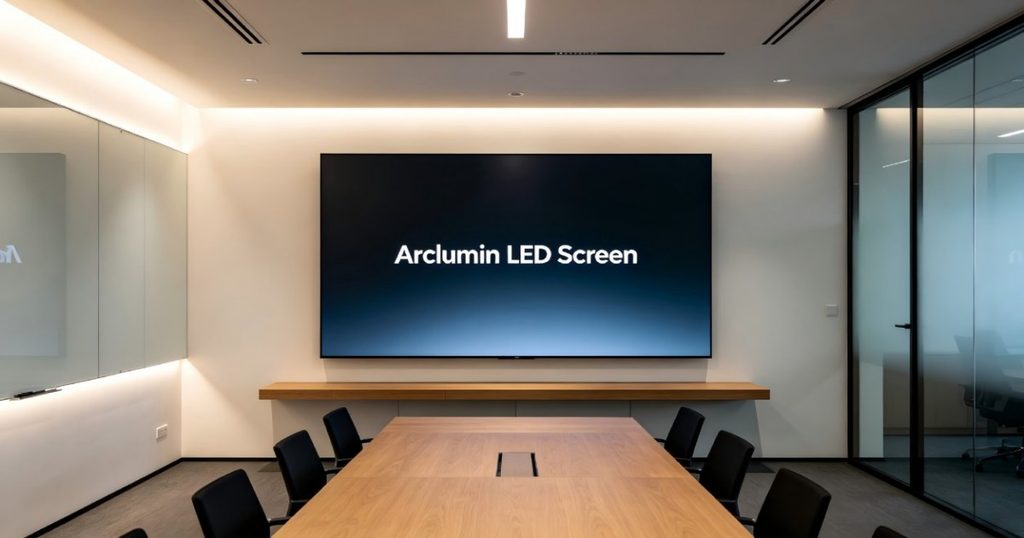
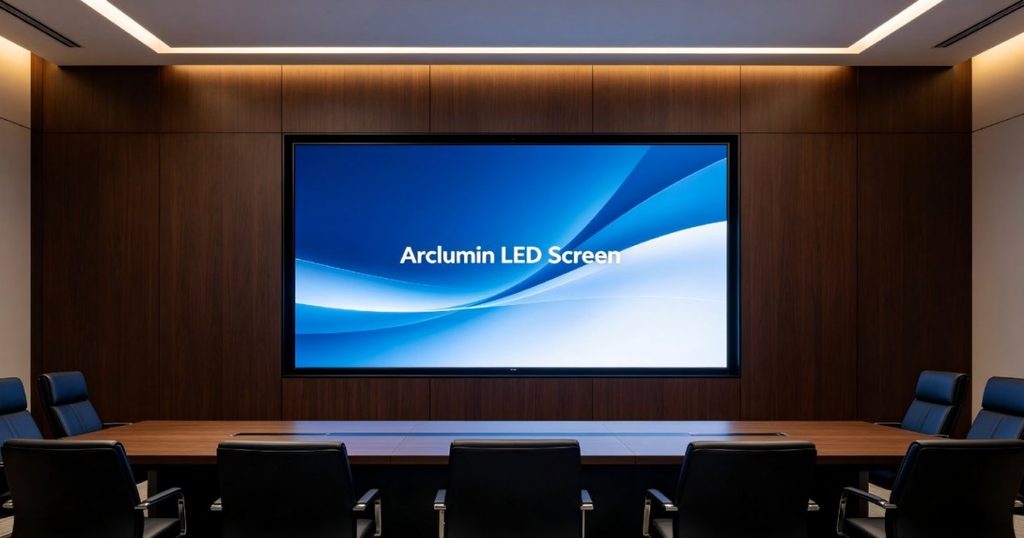
Choosing the right LED display for your conference room can feel overwhelming with so many specifications and options on the market. Whether you are upgrading an existing setup or planning a new installation, understanding the key parameters will help you make a confident decision. This guide walks you through the essential factors: pixel pitch, screen size, resolution, installation methods and control systems. If you are unsure how to select the right LED display, follow along to learn what matters most for your meeting space.
Before making a decision, you need to clarify your core needs so that we can better match the corresponding model. Many corporate buyers tend to skip this demand-sorting step and directly ask suppliers for product quotations. Without clear requirements, suppliers may recommend over-specification products that raise unnecessary costs, or provide under-performing screens that cannot satisfy daily conference operations.
Besides the basic dimensions and budget, there are extra practical points worth thinking through in advance. For instance, check whether the conference room has strong ambient light from large-area exterior windows. Heavy daylight will require the LED screen to support higher brightness output to keep text and images legible.
You should also confirm whether the room has reserved power supply, wiring conduits and load-bearing wall structures. These site conditions will influence installation difficulty and total project cost.
Another factor is daily usage frequency: high-frequency, multi-shift meeting rooms demand better long-term stability of hardware components. Once your needs are clear, you can start comparing models and quotes.
How to Determine the Right Pixel Pitch
Pixel pitch, often called dot spacing or P-value, is the most critical parameter for any LED display. It directly determines viewing comfort, image clarity, and overall cost. The smaller the pixel pitch, the higher the pixel density, which means sharper images at closer viewing distances. For conference rooms, where attendees typically sit relatively close to the screen, choosing the correct pixel pitch is essential to avoid visible pixelation and eye strain.
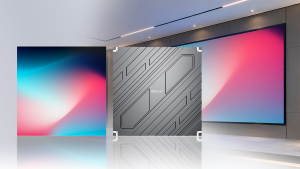
As a general rule, the optimal viewing distance in meters is roughly equal to the pixel pitch multiplied by one thousand, then converted to meters. For example, a P1.5 screen works well at viewing distances of 1.5 meters or more. Our indoor fixed LED displays, such as the SG Steady Glow and OG Obsidian Glow series, offer pixel pitches ranging from P1.25 to P2.5, making them ideal for conference rooms of various sizes. You can explore the full specifications on our indoor fixed LED display product page.
Meeting Room Type
Closest Viewing Distance
Recommended P-value
Use Cases
Small meeting room (<30m²)
2-4m
P1.53
Executive and video conference rooms
Medium meeting room (30-80m²)
3-6m
P1.86
Department meeting and training rooms
Large conference room (>80m²)
5-10m
P2.0
Multifunctional halls and auditoriums
Screen Size and Resolution
After selecting the appropriate pixel pitch, the next step is to determine the overall screen size and resolution. LED displays are modular, meaning they are built from individual cabinets that lock together to form the final screen. This modular design offers flexibility, but it also means you need to plan the exact dimensions carefully.
For dimension calculation, the 16:9 aspect ratio is considered the golden standard for conference rooms. It fits perfectly with modern video conferencing platforms and PowerPoint presentations. When measuring your wall space, remember to reserve installation frame clearance, usually around 10 centimeters on each side. This margin accommodates mounting brackets and allows for proper ventilation behind the screen.
Unlike consumer televisions, LED displays do not use 2K or 4K labels in the same way. Instead, resolution is determined by the total number of pixels, which depends on screen size combined with pixel pitch. A salesperson can calculate the total pixel count based on your desired resolution, physical size, and chosen P-value. The table below shows common resolution benchmarks for reference.
Resolution
Pixel Dimensions
Suitability
Standard Definition 480P
640 x 280
Basic video playback only
High Definition 720P
1280 x 720
Good for video, images, and text
Full HD 1080P
1920 x 1080
Ideal for conference presentations
Ultra HD 4K
3840 x 2160
Premium clarity for large screens
Installation Method Selection
The installation method you choose affects both aesthetics and functionality. For small conference rooms, wall-mounted installation is the most popular option. It saves floor space and keeps the screen at a comfortable viewing height. Ensure the wall can support the combined weight of the LED cabinets and mounting frame before proceeding.
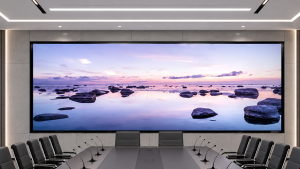
For a more integrated look, recessed installation allows the screen to sit flush with the wall surface. This approach creates a seamless, sophisticated appearance that blends into modern office decor. However, recessed installation requires precise wall cutting and professional structural assessment. It is best suited for new construction or major renovation projects where wall modifications are already planned.
Another option is floor-standing or mobile cart installation, which offers flexibility for multi-purpose rooms. This is particularly useful when the same space serves as both a conference room and a training area. Our team can recommend the best installation approach based on your room layout and usage patterns. Visit our conference room LED solutions page for more detailed guidance on deployment options.
Control System: Video Processor vs Media Player
Once you have decided on the screen size and installation location, there is one component that is easily overlooked: the control system that drives the display. A media player box is essentially a simplified control unit. It is easy to operate and most models come with built-in wireless screen mirroring. However, a media player can only display one image source at a time. You cannot open multiple windows simultaneously, and the maximum screen size it can handle is limited.
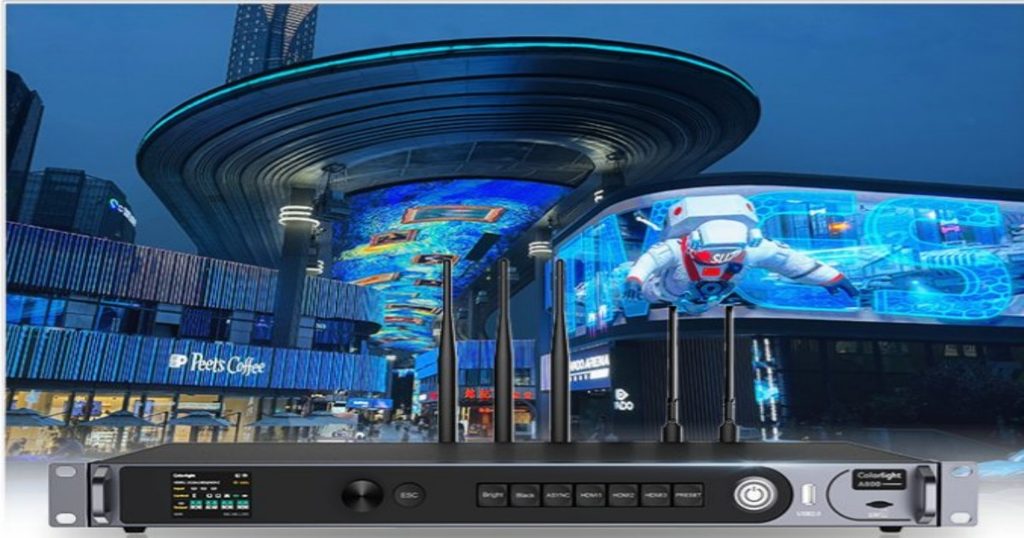
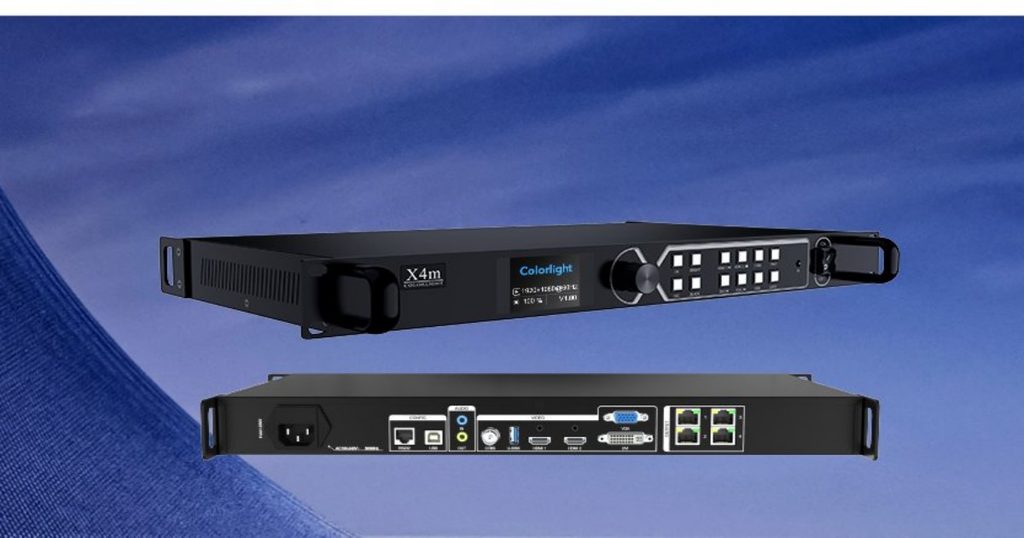
A video processor, on the other hand, is a professional-grade device designed for demanding conference environments. It can connect to multiple input sources simultaneously, such as laptops, conference cameras and document cameras. It supports split-screen functionality, allowing you to conduct video meetings while simultaneously displaying PowerPoint slides or data dashboards. For organizations that rely heavily on video conferencing and collaborative presentations, a video processor is the better long-term investment.
Key Takeaways for Your Purchase
When selecting a suitable LED screen for your conference room, start by clarifying the room size, primary function, viewing distance and budget, then match each requirement step by step. The pixel pitch is of utmost importance: choose a smaller P value when attendees sit close to the screen, and a larger P value when the viewing distance is greater. The screen should follow a 16:9 aspect ratio to fit video conferencing and presentation content naturally.
Always leave adequate clearance around the installation area for mounting and maintenance access.
The installation method should align with your room decoration plan. For the control system, make the right choice based on usage: if you only need simple screen projection and single-source display, a media player box is sufficient. If you frequently hold video conferences, play presentations during meetings, or need multi-window split-screen capabilities, choose a professional video processor.
Service life and product quality cannot be ignored either. The core LED lamp beads determine screen stability over time. Industrial-grade lamp beads feature a lower light decay rate, meaning brightness will not drop sharply after several years of daily use. Always ask suppliers for lamp-bead brand information and certification details in their quotations.
Finally, do not just compare unit prices. Make sure the quote includes installation, setup, accessories and after-sales service. Configure the display according to your specific needs to choose the most suitable monitor for your conference room.
Need help selecting the perfect LED display for your conference room? Tell us your venue dimensions, viewing distance and primary use case, and our team will recommend the ideal pixel pitch and screen size for your space. Contact us today to get a pitch recommendation started.
For project inquiries, please contact your dedicated Arclumin Sales Consultant. Our team operates across time zones to support projects in Europe, North America, Africa, Australia, and markets worldwide.
WhatsApp +86 136 8235 1211 · 7×24 — we reply within 24 hours.

 SG Steady GlowIndoor Fixed LEDP1.25 – P4
 PL Pure LightIndoor Fixed LEDP1.25 – P1.86COB Fine Pitch LED→
 OG Obsidian GlowCOB Fine Pitch LEDP0.7 – P1.86View all product series →Not sure which series fits your project? Get a Recommendation →