How to Choose the Right LED Display for Your Live Streaming Room
Published 2026-07-30 · Updated 2026-09-14 · By Arclumin Team
Your room size, viewing distance and budget decide the right LED display. This guide shows how to match pitch, size, power supply and control to your live streaming room.
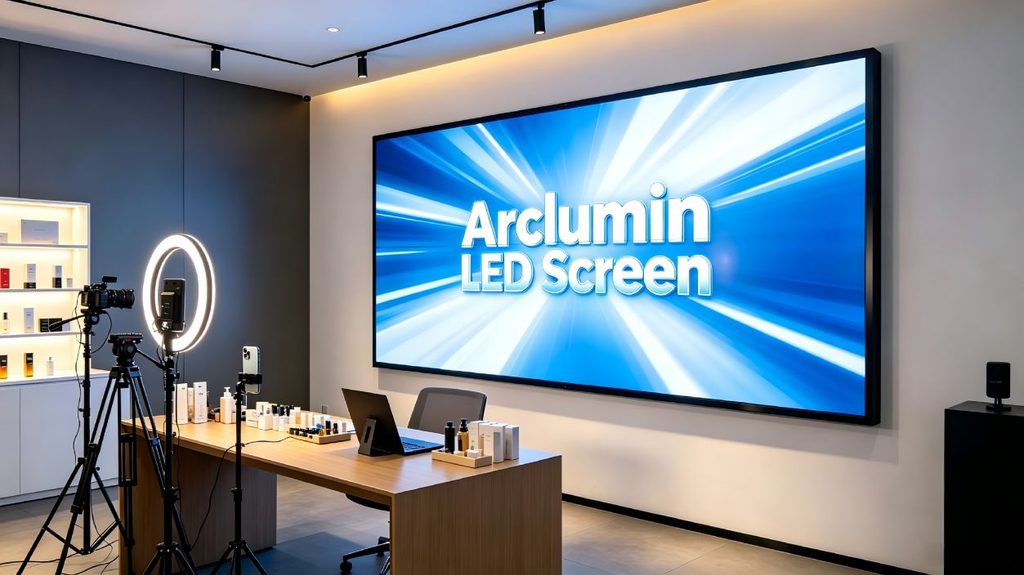
Choosing the right LED display for your live streaming room can feel overwhelming with so many specifications and options on the market. A high-quality LED screen serves as the visual centrepiece of your stream, displaying product posters, live footage and brand graphics that viewers see in every shot. Whether you are setting up a new studio or upgrading an existing one, understanding the key parameters will help you make a confident decision. This guide walks you through pixel pitch, screen size, resolution, installation methods and power supply selection.
Before making a decision, you need to clarify your core needs so that we can better match the corresponding model.
Question
For example
What are the dimensions of your live stream room?
4 m wide x 3 m high
What do you mainly use this screen for?
Create a large background screen for live streaming to display product posters and live stream footage.
How far is the streamer from the screen?
2.5 m
What is your budget?
$200,000
Once you have determined your needs, we can start comparing options.
How to Determine the Right Pixel Pitch
Pixel pitch (dot spacing) is the most critical parameter, directly determining viewing comfort and cost. In a live streaming room, the streamer typically stands 2 to 5 meters from the screen, and cameras may shoot from even closer. As a general rule, the optimal viewing distance in meters is roughly equal to the pixel pitch multiplied by one thousand, then converted to meters. For example, a P1.53 screen works well at viewing distances of 1.5 meters or more.
Live broadcast background, compatible with multi-camera shooting
Large live streaming room (> 60 m2)
5-10 m
P2.0
Large studio, multi-person panoramic live broadcast scene
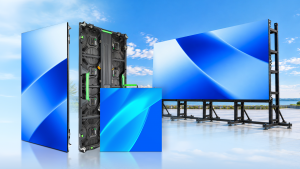
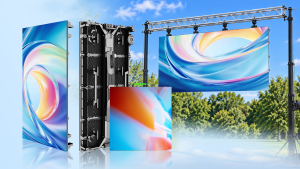
Our indoor fixed LED displays, such as the SG Steady Glow and OG Obsidian Glow series, offer pixel pitches ranging from P1.25 to P2.5, making them ideal for live streaming rooms of various sizes. The fine pixel pitch ensures that product details and text remain sharp even when the camera zooms in close.
Screen Size and Resolution
1. Dimension Calculation
– Based on the 16:9 golden ratio: suitable for displaying live stream footage, product posters and brand graphics.
– Reserve the installation frame according to the wall space (usually 10 cm on each side).
2. Resolution
LED displays are not the same as televisions, and the concepts of 2K/4K are generally not directly applied. However, you can communicate directly with a salesperson, who will calculate the total number of pixels on the screen based on your desired resolution, size, and P-value to match your needs.
Resolution Standard
Points (resolution)
Description
Standard Definition 480P
640 x 280
It is sufficient for displaying videos and pictures, but not ideal for detailed live streaming content.
720P HD
1280 x 720
Videos, images, and text are all fine.
1080P (2K) Ultra HD
1920 x 1080
Compared to TVs, it is called 2K.
Ultra HD 4K
3840 x 2160
Maximum clarity for close-up product shots and high-resolution live streaming.
Installation Method Selection
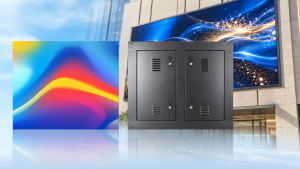
For small live streaming rooms, wall-mounted installation is the most popular option. It is installed directly on the wall without taking up floor space, keeping the studio clean and uncluttered for filming.
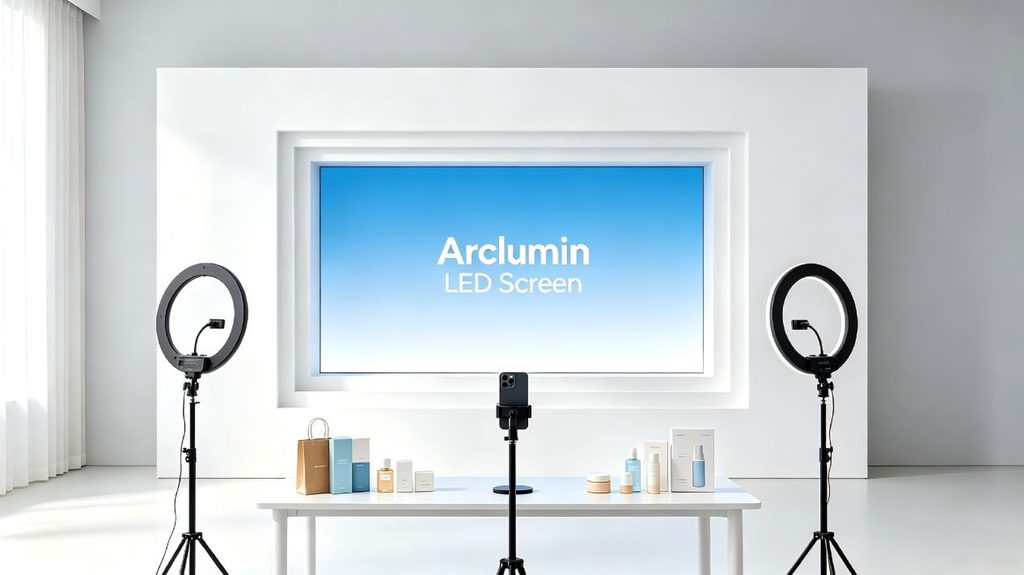
For a more integrated look, recessed installation allows the screen to sit flush with the wall, blending seamlessly with the decor and creating a beautiful, sophisticated appearance on camera.
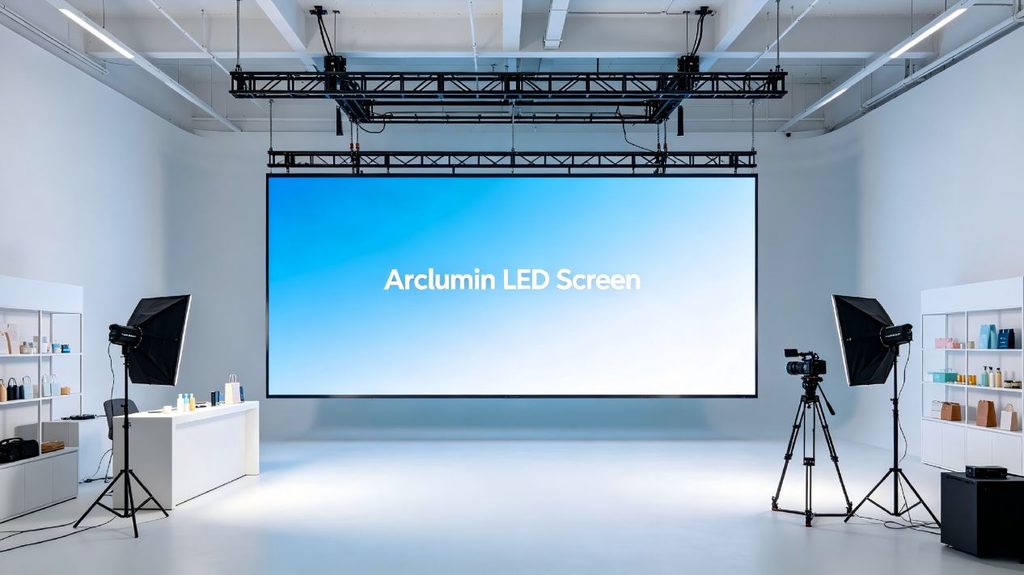
Suspended installation is another option for studios with high ceilings. The screen is top-mounted from the ceiling, taking up no ground space and providing an unobstructed field of view for both the streamer and the cameras.
Power Supply: The Foundation of Stable Streaming
After choosing the right screen size and determining the installation location, many people tend to overlook the power supply, a crucial component of any LED screen. Poor quality power supplies can easily cause problems such as overheating, leading to screen flickering or blackouts. If a malfunction occurs during a live stream, it will directly impact the sales process and cause losses.
When selecting a power supply, look for reputable brands with proven reliability. Key factors to consider include output wattage (must match the total power consumption of your screen), energy efficiency, overvoltage and overcurrent protection, and operating temperature range. A high-quality power supply not only ensures stable operation during long streaming sessions but also extends the overall lifespan of the LED display.
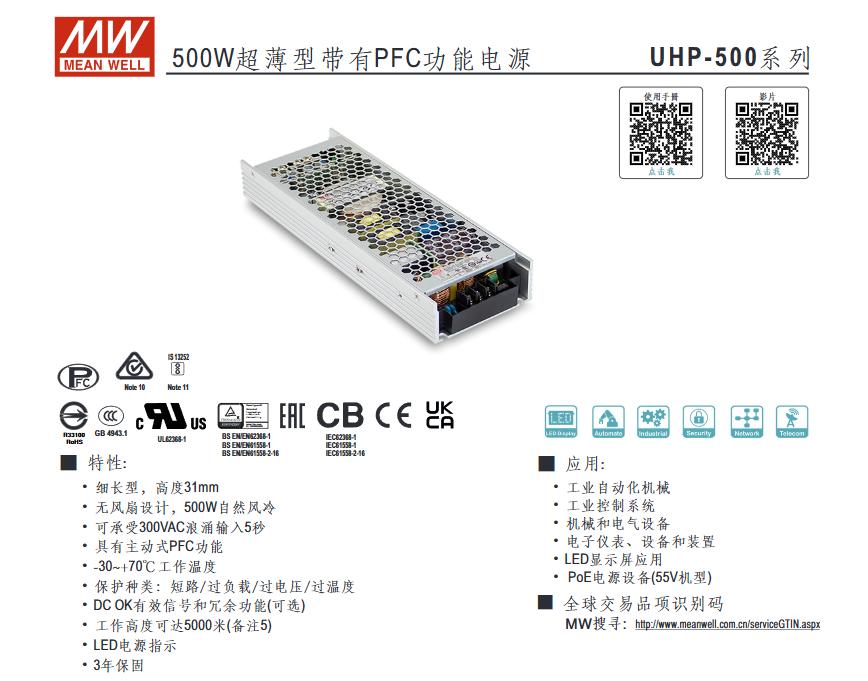
Mean Well, a leading power supply brand, offers several models commonly used in LED displays:
– UHP-500: A high-efficiency, slim-profile 500W power supply suitable for space-constrained installations.
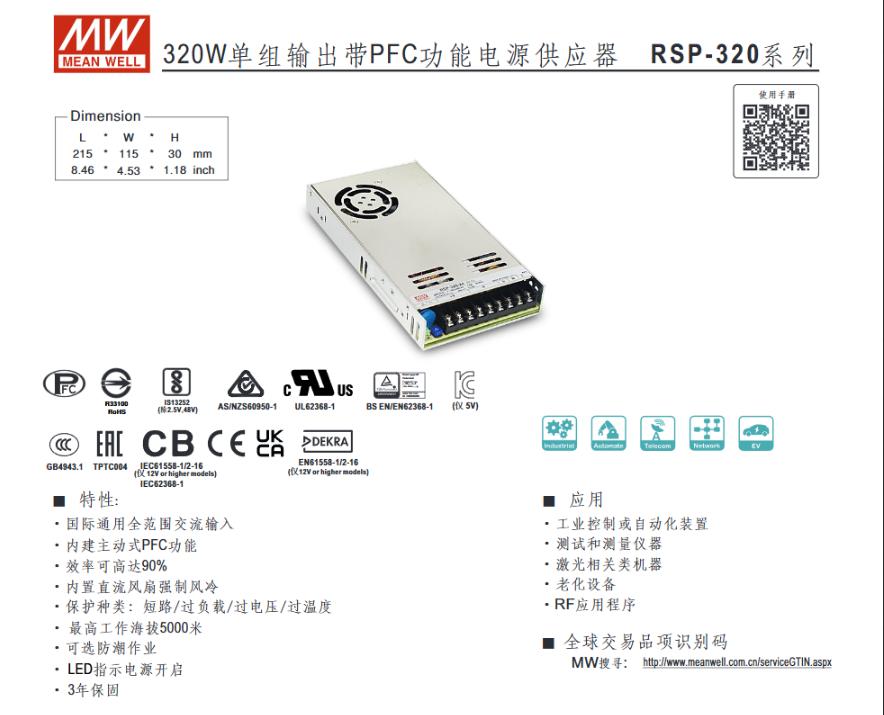
– RSP-320: A 320W power supply with active PFC, offering good efficiency and reliability for medium-sized screens.
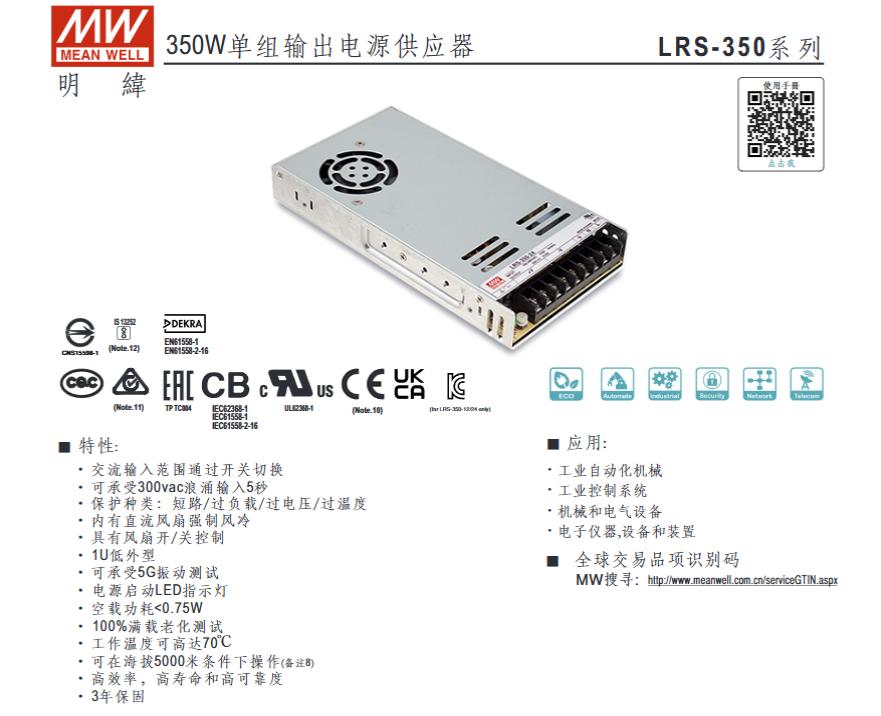
– LRS-350: A cost-effective 350W enclosed power supply, popular for budget-friendly LED display installations.
Key Takeaways for Your Purchase
When selecting a suitable LED screen for your live streaming room, first clarify the size, function, viewing distance and budget, then match each requirement step by step. For small rooms, P1.53 is recommended; for medium-sized rooms, P1.86; and for large rooms, P2.0, ensuring clear and detailed video quality. Wall-mounted, recessed or suspended options are available to suit different room styles and shooting needs.
Finally, a high-quality power supply is crucial to prevent screen overheating, flickering and blackouts during your stream. Do not just compare unit prices. Ask clearly whether the quote includes installation, debugging, accessories and after-sales service. Configure the display according to your specific needs to select the most suitable option.
Need help selecting the perfect LED display for your live streaming room? Tell us your studio dimensions, viewing distance and primary use case, and our team will recommend the ideal pixel pitch and screen size for your space. Contact us today to get started.
For project inquiries, please contact your dedicated Arclumin Sales Consultant. Our team operates across time zones to support projects in Europe, North America, Africa, Australia, and markets worldwide.
WhatsApp +86 136 8235 1211 · 7×24 — we reply within 24 hours.

 SG Steady GlowIndoor Fixed LEDP1.25 – P4
 PL Pure LightIndoor Fixed LEDP1.25 – P1.86COB Fine Pitch LED→
 OG Obsidian GlowCOB Fine Pitch LEDP0.7 – P1.86View all product series →Not sure which series fits your project? Get a Recommendation →