LED Pixels, Modules, and Cabinets: What Is the Difference?
Published 2026-11-14 · By Arclumin Team
An LED screen is built from pixels, modules and cabinets. Learn what each part does and how to describe it when comparing screens or asking for help.
Start with the picture you see
Stand across a room from an LED wall and you see a picture, not its individual parts. Get closer and the picture starts to look like a collection of tiny points of light. Look at an uninstalled screen on a workbench and you may also see small boards and larger framed sections. Pixel, module and cabinet are names for these different levels, and knowing which is which makes product pages and support conversations much easier to follow.
A pixel is one point in the image
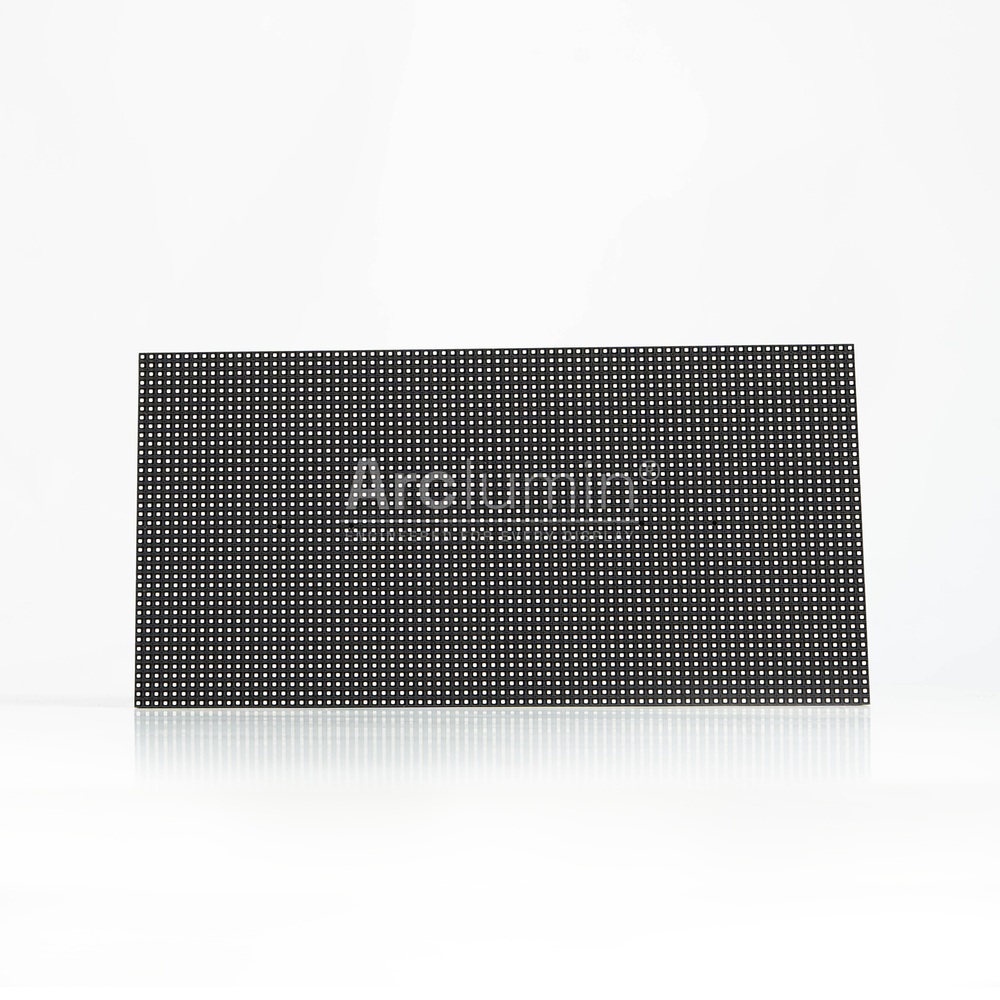
Think of a pixel as one address in the picture. A full-colour LED display can use red, green and blue light at each pixel to make the colours you see. From the audience’s seat, those points work together to look like a face, a word or a moving image. The word pixel tells you about the picture, so it does not necessarily tell you how many separate lamp packages you will see at that point.
You may also hear the words pixel pitch. That is the distance between neighbouring pixel centres, not the size of a whole board or cabinet. If two screens are the same physical size, a smaller pitch generally gives more pixels across that area. To understand the finished picture, ask for the screen’s total width and height in pixels as well as its physical size. Those are different numbers and both can be useful.
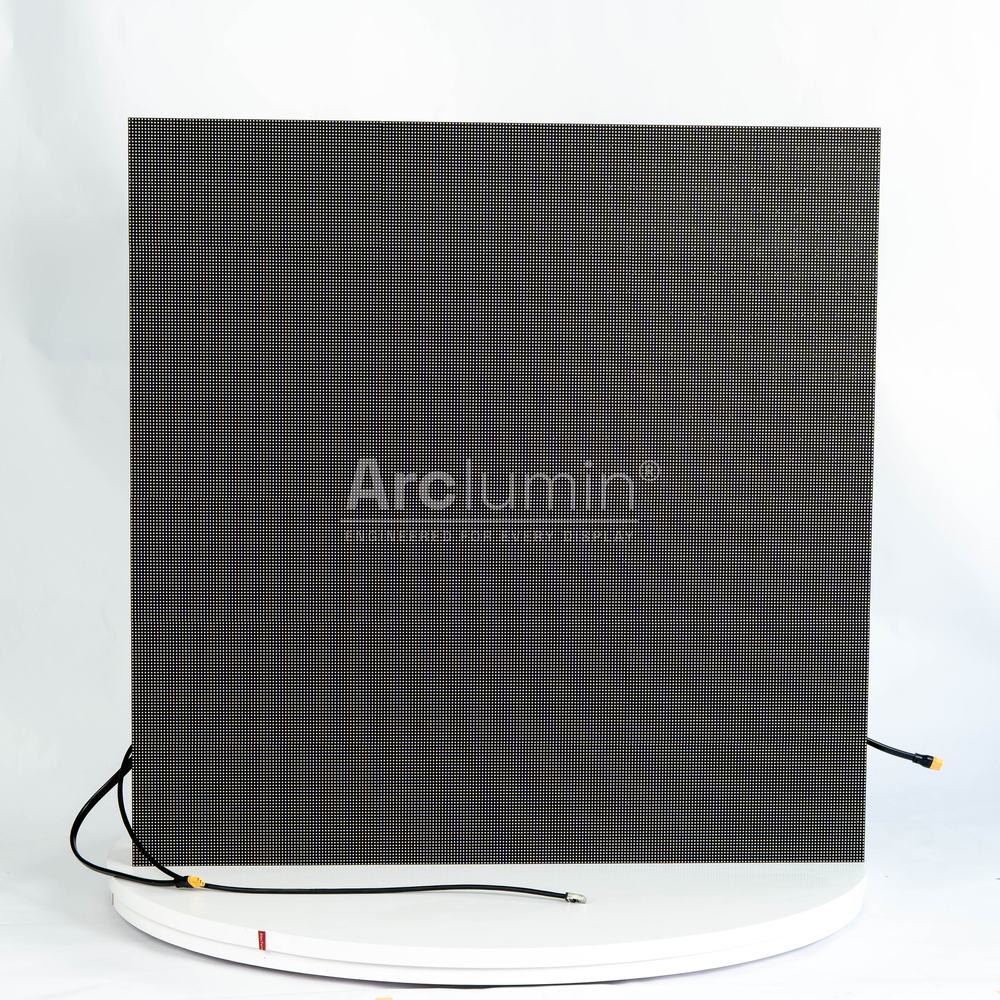
LED pixels on a cabinet face
A module holds a group of pixels
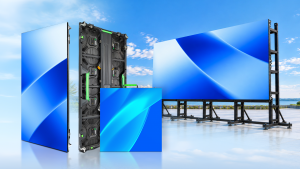
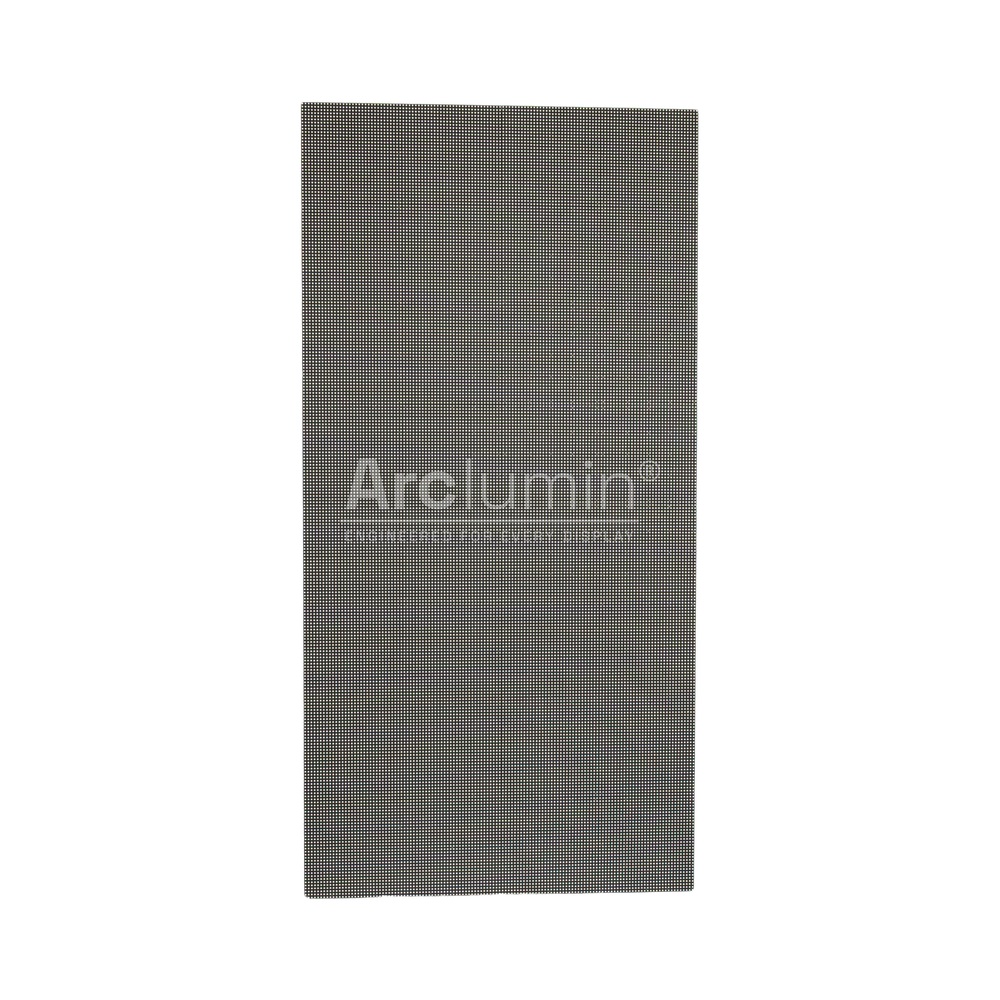
A module is a small display board carrying a group of pixels. If you put several modules together, their front faces become a larger display surface. The module is easier to recognise when you see one on its own, because you can see the edge of the board rather than trying to guess where one section ends on a finished wall. The back may show connectors and other components that are hidden during normal use.
If a customer says they need a module, the supplier will usually want to know more than its length and width. The model, connectors and configuration need to match the equipment in use. Two boards can look very similar from the front without being interchangeable. A clear photo of the label and the original equipment list can save a round of guessing when someone asks for help identifying the part.
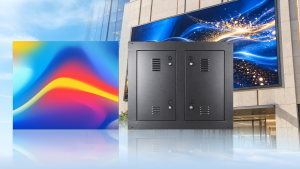
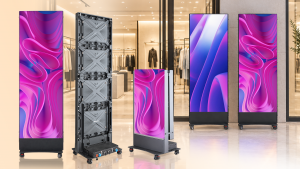
The cabinet is a larger structural unit. It normally holds the display modules and, depending on the design, may also house a power supply, receiving cards and wiring. On a screen built from cabinets, installers join those larger units to form the finished wall. When you see a picture of the back of a cabinet, you are looking at much more than the small board you see when someone holds up a module.
You can see examples of cabinet-based products in the SG Steady Glow indoor fixed series. The exact layout and service method depend on the selected model. If a product page uses the word panel, check the drawing or ask what the seller means, because people sometimes use panel for a cabinet and sometimes for a different display unit. A photo of the complete part is often enough to clear up that ambiguity.
LED display cabinet
Use the right word when asking for help
If you notice a dark point, start by saying that it looks like one point in the picture. If the problem covers a rectangular area, describe the size and location rather than assuming that a specific module or cabinet has failed. Similar looking symptoms can have different causes. An overall photo and a closer photo give the service team a way to locate the area without asking you to take the display apart.
The same vocabulary helps when you are buying a screen. A cabinet drawing shows how the wall is divided, while a module photo helps you recognise the boards inside it. The screen’s pixel dimensions are the numbers the content designer can use when preparing a picture. Ask for all three pieces of information if several people are working on the project, so each person gets the detail they need.
One simple way to remember them
The pixel is a point in the picture, the module is a board with many of those points, and the cabinet is a larger unit that holds modules together. You do not need to know every connector or part number to make sense of that arrangement. The next time someone shows you a product photo, ask whether you are looking at a dot, a board or the larger unit, and you will usually know which word to use.
One last detail can prevent confusion: the same screen can be described by its pixel count, its module count or its cabinet count. All three descriptions can be correct because they count different things. If someone says the screen is eight across, ask eight of what before using that number in a drawing or passing it to another person. A unit written beside the number makes the answer much clearer.
If you are unsure which part you are looking at, send the model and a clear photo to Arclumin for help identifying it.
For project inquiries, please contact your dedicated Arclumin Sales Consultant. Our team operates across time zones to support projects in Europe, North America, Africa, Australia, and markets worldwide.
WhatsApp +86 136 8235 1211 · 7×24 — we reply within 24 hours.

 SG Steady GlowIndoor Fixed LEDP1.25 – P4
 PL Pure LightIndoor Fixed LEDP1.25 – P1.86COB Fine Pitch LED→
 OG Obsidian GlowCOB Fine Pitch LEDP0.7 – P1.86View all product series →Not sure which series fits your project? Get a Recommendation →