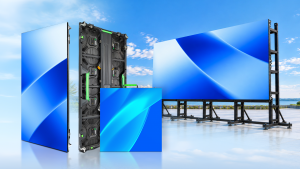
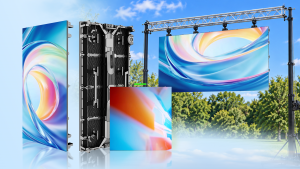
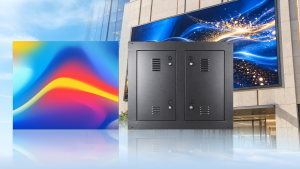
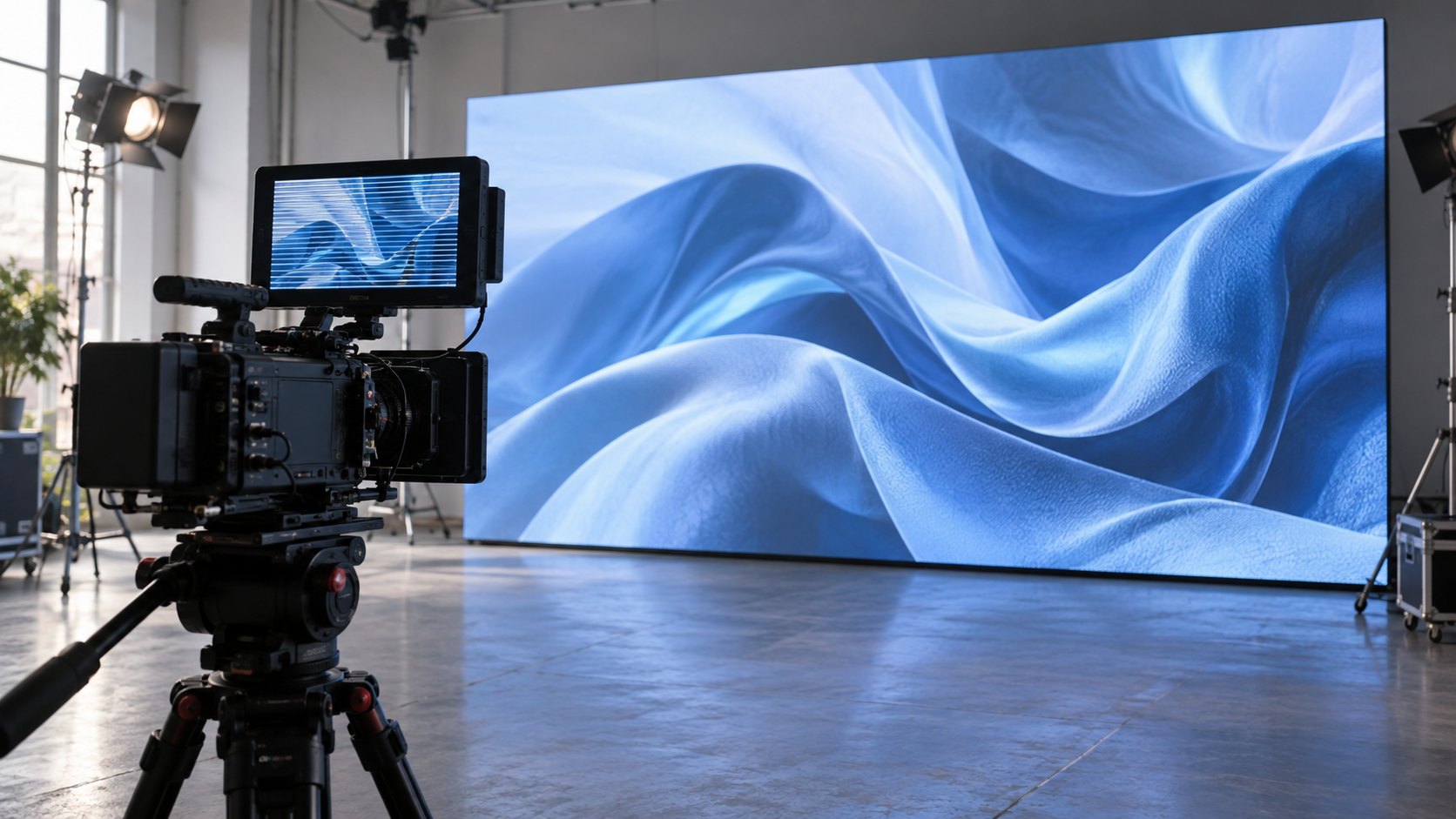
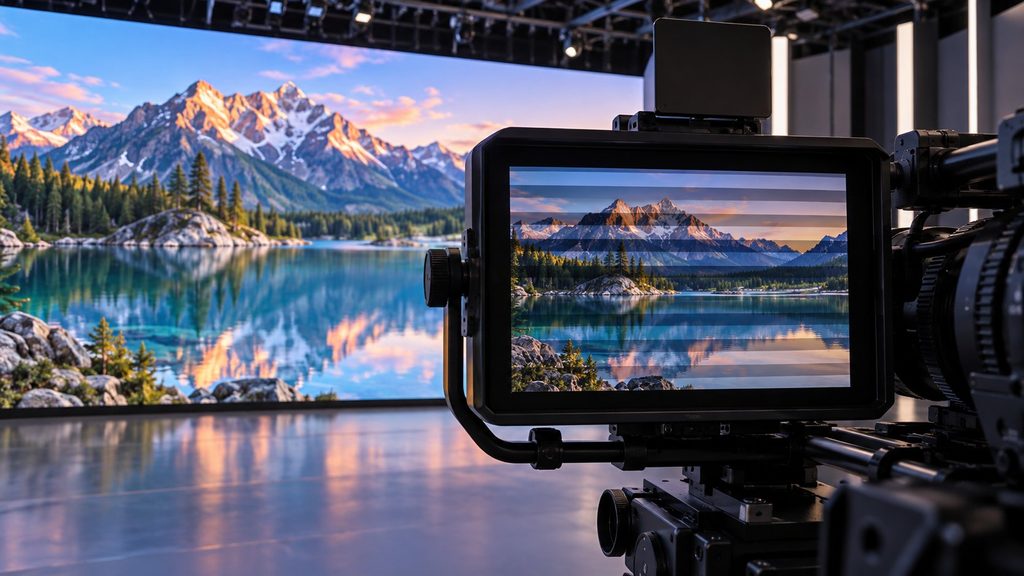
Moiré can appear when a camera records the repeating pixel structure of an LED screen. Learn how to identify it and test practical changes before a shoot.
Identify the Pattern Before Changing Settings
Moiré is an unwanted interference pattern that can appear when repeating structures interact during image capture or resampling. With an LED wall, the display’s pixel structure and the camera’s sampling can produce waves, ripples, or coloured patterns in the recorded picture. A wall that looks clean to the eye can therefore look different through a camera.
The first task is to establish where the pattern exists. Look at the wall directly, view the original camera recording, and compare the source content. If the artefact appears only after uploading or resizing the video, that later processing also needs investigation; it is not enough to assume the LED hardware is faulty.
Distinguish Moiré from Temporal Banding
Spatial moiré and moving dark bands are different problems even though people may call both of them screen lines. Moiré relates to sampled repeating detail, while scan-related bands can arise from the interaction between camera exposure timing and the display’s light output. A useful diagnosis separates these possibilities before changing the system.
Observe whether the pattern changes when the camera position, framing, or focus changes. Also record the shutter and frame-rate settings when bands are present. These observations guide the next test but are not an absolute identification rule, because several artefacts can occur together in one shot.
A higher refresh-rate figure is not a general cure for spatial moiré. Likewise, changing pixel pitch does not automatically solve every exposure-timing issue. Ask the camera and LED technicians to describe which artefact they are addressing and to demonstrate the result with the intended recording setup.
Adjust the Camera and Screen Relationship
Change one variable at a time, such as camera distance, focal length, angle, or framing, and record the result. These changes alter how the LED pattern falls on the sensor and may reduce the visible interference. A promising position still needs checking across the full planned camera movement, not just one static frame.
Where the shot allows it, keep the subject in focus while the LED background is sufficiently outside the sharp focus plane. Subject-to-screen distance, lens choice, and aperture work together to determine this. There is no universal distance or aperture that guarantees a clean result for every camera, lens, and display.
Do not sacrifice the required subject sharpness simply to hide the wall pattern. The best compromise depends on the creative brief, available space, and depth of field. Review the actual recorded image at delivery resolution, because a small camera preview can conceal a problem that becomes obvious on a larger monitor.
Choose Pixel Pitch Using a Camera Test
Finer pixel pitch can help in suitable shooting conditions, but it is not a promise that moiré will disappear. The camera’s sensor, lens, distance, and framing remain part of the system. A screen selected only from a viewing-distance rule for a human audience may need additional testing when it will be filmed.
When considering TL Traveling Light for an event backdrop, specify the planned camera use as part of the request. Test the proposed configuration rather than assuming that all models in the series behave identically on camera. Include wide shots, close shots, and any angles that the production is likely to use.
Check Content and Image Processing
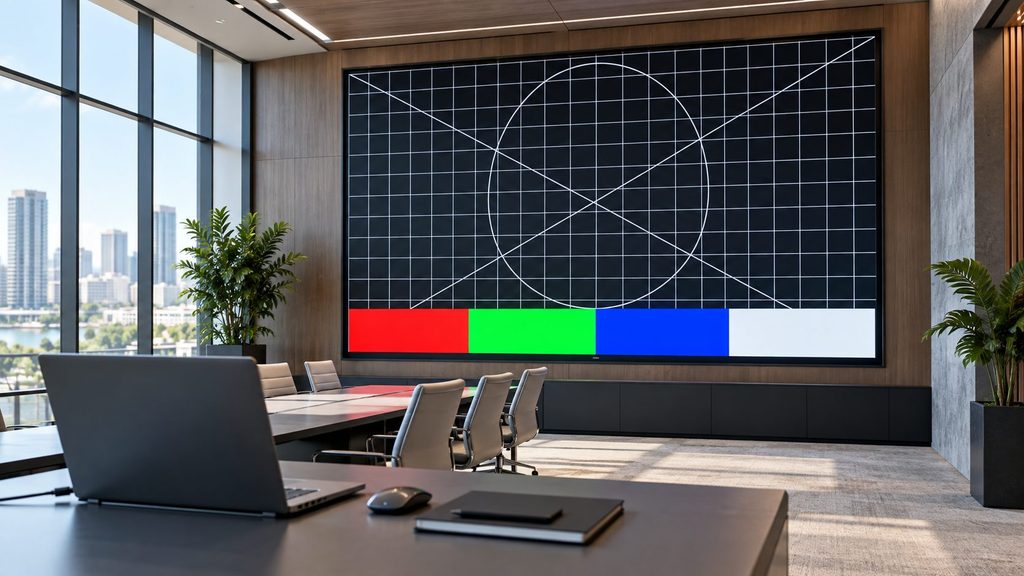
Fine stripes, small grids, detailed fabrics, or other repeated patterns in the content can introduce their own aliasing or make a captured result harder to judge. Compare a simple reference image with the final material. If the issue follows the content rather than the physical screen position, examine source detail and scaling as well as the display.
Avoid unnecessary rescaling through several devices, and check that the intended image area is mapped correctly. Sharpening and detail enhancement can emphasise high-frequency structure, so review those controls with the responsible operator. Do not apply strong blur to every file without first testing whether it harms the actual message or subject.
Coordinate Timing Only for the Relevant Artefact
If the recording shows scan-related lines or bands, the camera and display team should examine supported synchronisation and exposure controls. The available options depend on the equipment combination. Use the appropriate manufacturer instructions instead of copying a shutter speed from an unrelated video online.
Any change to shutter timing can also change motion appearance or exposure, so evaluate the creative result as well as the artefact. Keep the distinction clear in the test notes: a timing adjustment that removes bands may leave spatial moiré unchanged. The next operator should know which setting solved which observed problem.
Rehearse the Real Shoot and Save the Result
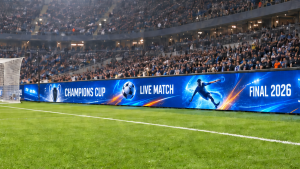
For rental and live-event productions, test the actual cameras, lenses, content, lighting, and display brightness before the audience arrives. Include movement, zooms, and focus changes that will be used during the show. Check the recording or output feed that will be delivered, not only the image seen by the audience in the room.
Save a simple record of the approved camera positions, lens settings, screen configuration, and any remaining limitations. Recheck after significant changes to the set or camera plan. A clean test at one position is a useful baseline, but it should not be presented as proof that every possible shot is artefact-free.
For project inquiries, please contact your dedicated Arclumin Sales Consultant. Our team operates across time zones to support projects in Europe, North America, Africa, Australia, and markets worldwide.
WhatsApp +86 136 8235 1211 · 7×24 — we reply within 24 hours.

 SG Steady GlowIndoor Fixed LEDP1.25 – P4
 PL Pure LightIndoor Fixed LEDP1.25 – P1.86COB Fine Pitch LED→
 OG Obsidian GlowCOB Fine Pitch LEDP0.7 – P1.86View all product series →Not sure which series fits your project? Get a Recommendation →