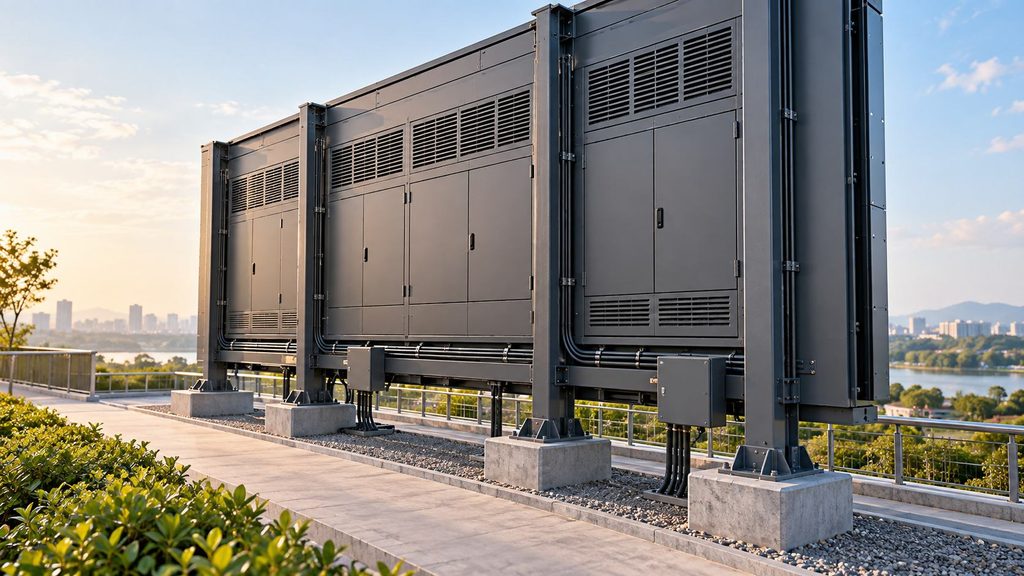
Are LED Screens Vulnerable to Cold? Precautions for Low-Temperature Environments
Published 2026-10-15 · By Arclumin Team
An LED screen needs a winter plan based on its exact equipment and location. Learn how to check cold-weather limits, moisture risks, and start-up procedures.
Use the Model Limits Instead of a General Temperature Rule
LED screens can be designed for different environments, so there is no single minimum temperature that applies to every display. The cabinet, power supplies, control equipment, connectors, and installation all need to suit the location. An outdoor label alone does not confirm that a particular system is suitable for your winter conditions.
Begin with the exact model’s operating and storage limits and the supplier’s instructions for starting and stopping it. Storage conditions and powered operation are different situations. A screen that can be transported at a certain temperature is not automatically approved to start or run at that temperature.
Describe the Actual Winter Exposure
Provide the supplier with the expected local conditions, including cold periods, wind exposure, precipitation, and changes between heated storage and outdoor use. The temperature reported for the town does not describe every cabinet, control enclosure, or cable route. Parts inside a sheltered space may experience different conditions from exposed parts on the same installation.
For a permanent project, ask how the specified conditions relate to the installed equipment and any protective enclosure. For temporary work, include transport, unloading, assembly, operation, and return to storage in the discussion. Each stage can create a different combination of temperature and moisture exposure.
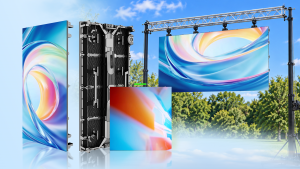
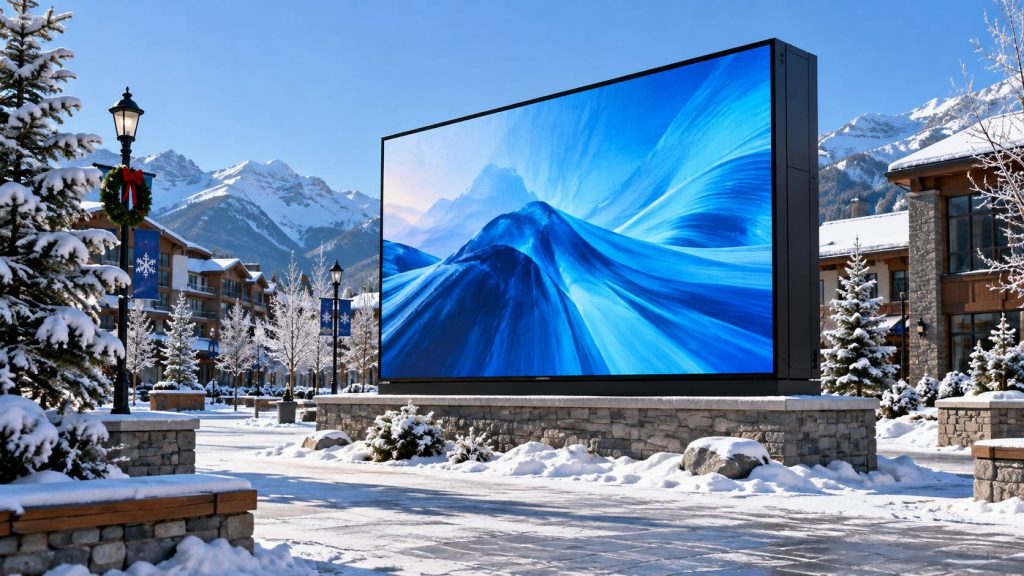
Treat SF Sun Flare as a product-family reference for outdoor fixed displays, then obtain the environmental requirements for the selected configuration. Do not apply an operating limit from another cabinet or an old quotation. Keep the approved specification with the winter operating plan so the team can check it on site.
Pay Attention to Condensation During Transfers
Cold equipment moved into warmer humid air can collect condensation when surfaces remain below the surrounding air’s dew point. Moisture may not be visible on every internal part. A display that looks dry on the front therefore does not establish that all electronics are ready to be energised.
Follow the manufacturer’s acclimatisation and inspection procedure after a significant environmental change. The required waiting time depends on the equipment and conditions; a fixed rule such as waiting one hour is not reliable for every case. Keep the equipment unpowered when moisture is suspected and obtain the approved next step from the service team.
The same planning applies to cases and spare modules brought into a heated room after outdoor use. Protect them from unsuitable storage conditions and record any suspected moisture exposure. Do not use an improvised heat gun or direct heater to force a quick start, because local heating can introduce new damage or uneven drying.
Agree on a Controlled Start-Up Procedure
Ask whether the selected equipment needs an approved warm-up or staged start sequence in the expected conditions. Use only the procedure specified for that system. Some installations include environmental controls, but their presence does not justify assuming that any screen can be heated or operated continuously without review.
Have the responsible technical team check the status of the power distribution and environmental controls before start-up. If the system is outside its approved conditions, stop and resolve that condition rather than repeatedly cycling power. An image appearing briefly is not evidence that continued operation is appropriate.
Keep Snow and Water Management Separate from Temperature
Low temperature and water ingress are related winter concerns, but they are not the same specification. An ingress-protection rating does not state a minimum operating temperature or confirm every possible freeze-thaw condition. Check the complete installed arrangement, including doors, seals, cable entries, and any required connection protection.
Plan how snow or ice around the installation will be handled without damaging modules, seals, ventilation openings, or the support. Do not chip ice from the LED face or pour hot water onto it. Clearing an elevated display or working near electrical equipment requires the responsible trained team and a suitable access method.
For outdoor advertising displays, the site plan should also address drainage and safe access after bad weather. Keep the relevant building and structural responsibilities clear. Do not infer that the display cabinet can support an unassessed snow load simply because it is sold for outdoor use.
Inspect Cables and Service Arrangements
Use the specified cables and connectors for the intended environment and avoid forcing stiff cables or frozen mechanisms. A connector that appears to fit may still have unsuitable environmental or electrical characteristics. The technician should follow the product instructions for inspection and replacement instead of modifying parts to keep the screen running.
Make sure faults can be handled without exposing people to unsafe access conditions. Winter planning should include a contact person, approved spare parts, and a way to stop operation when necessary. An accessible service route and clear decision process can matter more than a box of spares that nobody can safely install.
Set a Practical Winter Operating Record
Before the season, review the approved limits, start-up instructions, inspection responsibilities, and escalation contacts with the operators. During difficult conditions, record relevant observations and any alarms, shutdowns, or visible changes. These notes help the service team distinguish an environmental event from a repeated hardware problem.
After the screen returns to normal approved conditions, use the agreed inspection and restart process, then check the image and required functions. Do not treat a normal picture as a substitute for inspecting a suspected moisture or connection problem. Preserve any service findings with the installation records for the next winter review.
For project inquiries, please contact your dedicated Arclumin Sales Consultant. Our team operates across time zones to support projects in Europe, North America, Africa, Australia, and markets worldwide.
WhatsApp +86 136 8235 1211 · 7×24 — we reply within 24 hours.

 SG Steady GlowIndoor Fixed LEDP1.25 – P4
 PL Pure LightIndoor Fixed LEDP1.25 – P1.86COB Fine Pitch LED→
 OG Obsidian GlowCOB Fine Pitch LEDP0.7 – P1.86View all product series →Not sure which series fits your project? Get a Recommendation →